

Turn 404 errors into recovered revenue
Every broken link is a lost sale. We track exactly where traffic is bouncing from dead pages, and automatically deploy smart redirects and win-back campaigns.
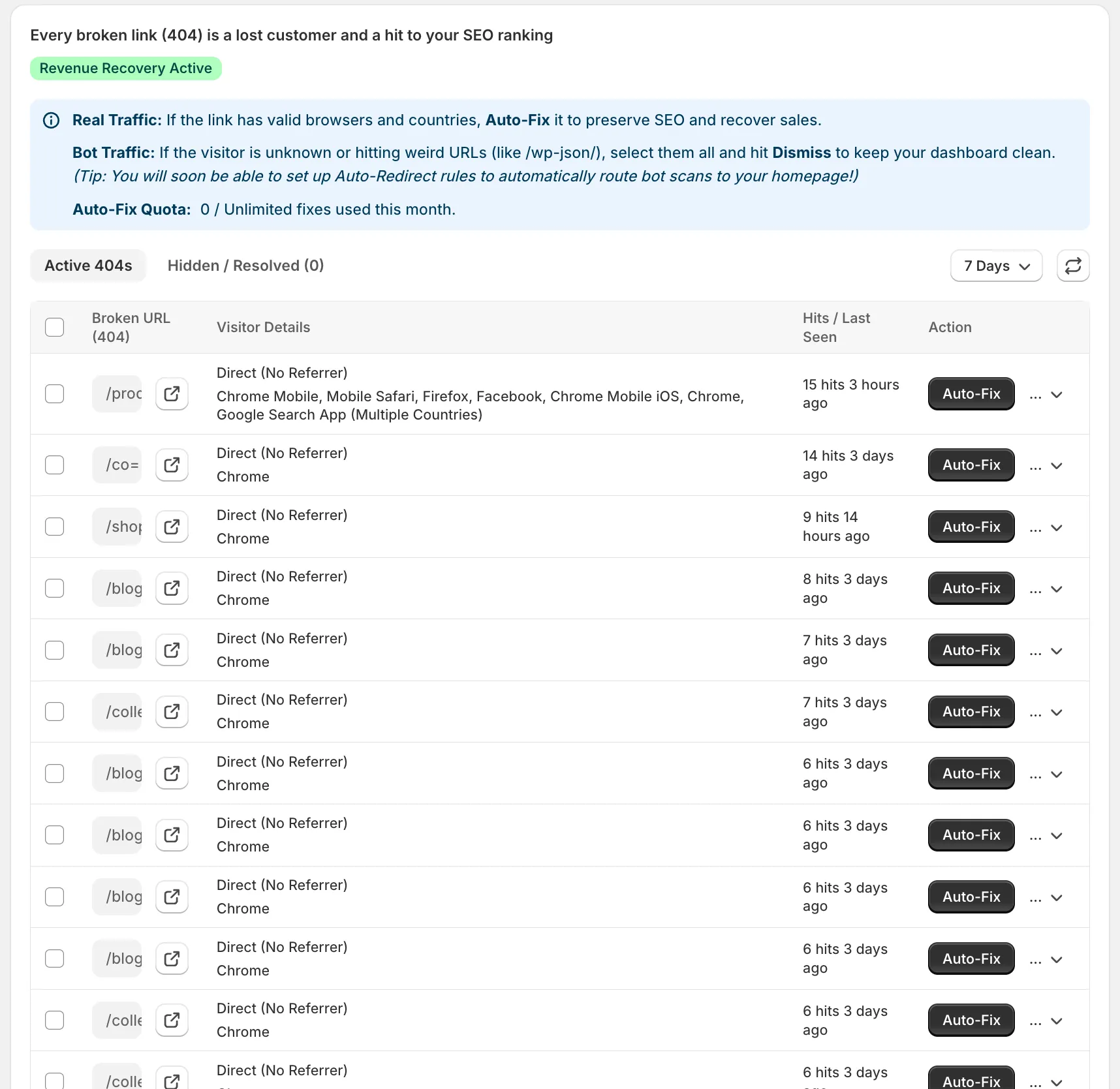
Never lose a sale to a typo again
Automated 404 Logging
We automatically detect when a user lands on a broken link, logging the referrer source, URL, and the user's intent.
Smart Redirects
Don't let them bounce. Set up AI-powered smart redirects that automatically route users from 404s to the closest matching active product.
Win-Back Email Triggers
If a logged-in customer hits a broken link, instantly trigger a targeted win-back email offering them a discount on a similar product.
Influencer Link Monitoring
Find out when an affiliate or influencer pastes a broken URL on their Instagram story, so you can fix it before the traffic spikes and bounces.
Explore More Features
Revenue Leak Detection
We connect your store's latency metrics directly to your checkout values to show you exactly how much money you are losing to slow pages.
Ghost Checkouts & Rage Clicks
Locate deadlocks where customers click "Checkout" but a script freeze prevents them from reaching the checkout page.
Predictive Prerendering & Speculative Engine
Upgrade your Shopify store to a Zero-Latency buying experience with Superspeed Neural Navigation Engine™.
Frequently Asked Questions
Everything you need to know about this feature.